AI फोटो रेस्टोरेशन ऑनलाइन मुफ़्त
Fix tears, scratches and fading. Add natural color to black-and-white photos.
Free: 2 photos every month with a free account. No card. ·
Restoring a box of photos? Add up to 10 at once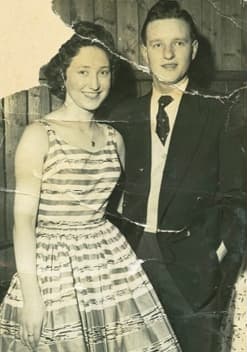
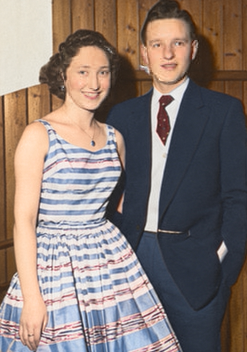
- Faces stay as they are. Tap any face to put the original back.
- Private. Your photos are deleted after 24 hours.
- Full-size PNG. No watermark, no ads.
Give a memory a little more life.
A photo worth keeping.
Drop an old photograph here, or take a picture of the print.
JPG, PNG, WebP or HEIC · up to 10 MB each · up to 10 photos
One credit per edit. Downloads are free.
Real results
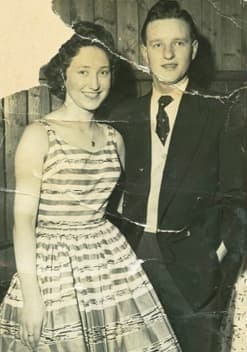
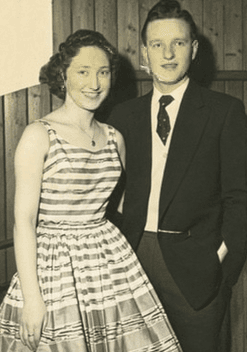
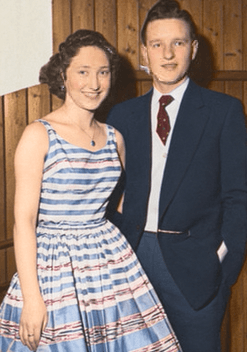
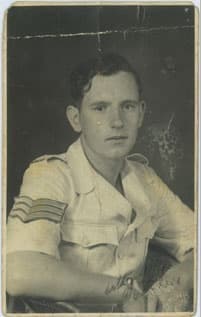
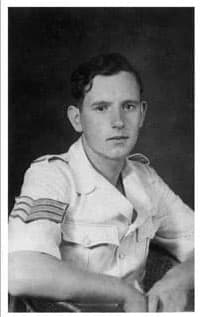
How it works
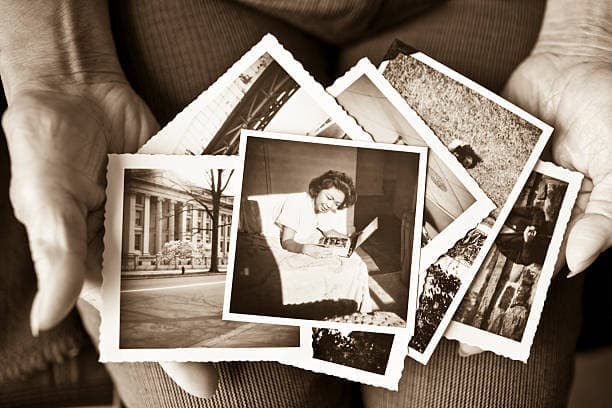 1Add a photo
From your gallery, or take a picture of the print with your phone.
- 2Watch it come back
Usually 30–90 seconds. Repair damage, gently enhance, add color or enlarge.
- 3Keep it and share it
Download a full-size PNG, or send a before-and-after picture to family.
Made for the family chat
One tap makes a before-and-after picture of your restored photo. Send it on WhatsApp or anywhere else your family gathers.
Still looks like her? Good.
We ask the restoration to leave faces alone. If anyone looks even a little different, tap their face and the original goes back. It’s free and instant.
Simple prices
1 photo edit = 1 credit. Downloads and sharing are always free.
USD, plus applicable tax. Unused paid credits expire each billing month. See plan details
Questions people ask
Can I restore photos for free?
Yes. Create an account and verify your email for 2 free credits each calendar month. Each restoration, enhancement, colorization, upscale or background removal uses 1 credit. Downloads and sharing are free. Free processing is subject to daily capacity and fair-use limits.
Will the people still look like themselves?
The restoration is told to keep faces unchanged, but AI can still alter small details, so compare every face. If one looks different, tap it under “Faces” to put the original face back. That is free and keeps the original pixels, including any damage on that face. To lock areas before you start, turn on “Keep marked areas exactly” and mark them.
Can it fix every scratch or missing detail?
Restoration can reduce scratches, creases, fading and stains. It cannot recover information that is missing from the photograph with certainty. Severe damage may need careful manual restoration, especially when it crosses a face.
How are my photographs handled?
Your account photos are private and automatically deleted from PhotoRestore after 24 hours. Runware processes the image and may retain temporary processing files for up to 7 days. We do not use uploads to train our own models. Save the result before it expires.
Can I save and share the restored image?
Download a PNG without a watermark, share the photo itself, or share a before-and-after picture made for family chats. You can download completed photos together as a ZIP. Downloading the same result again does not use another credit.